
Warlord: Awaji Tools Hub
PC specs, settings, and performance for a first-person army, not a script list.
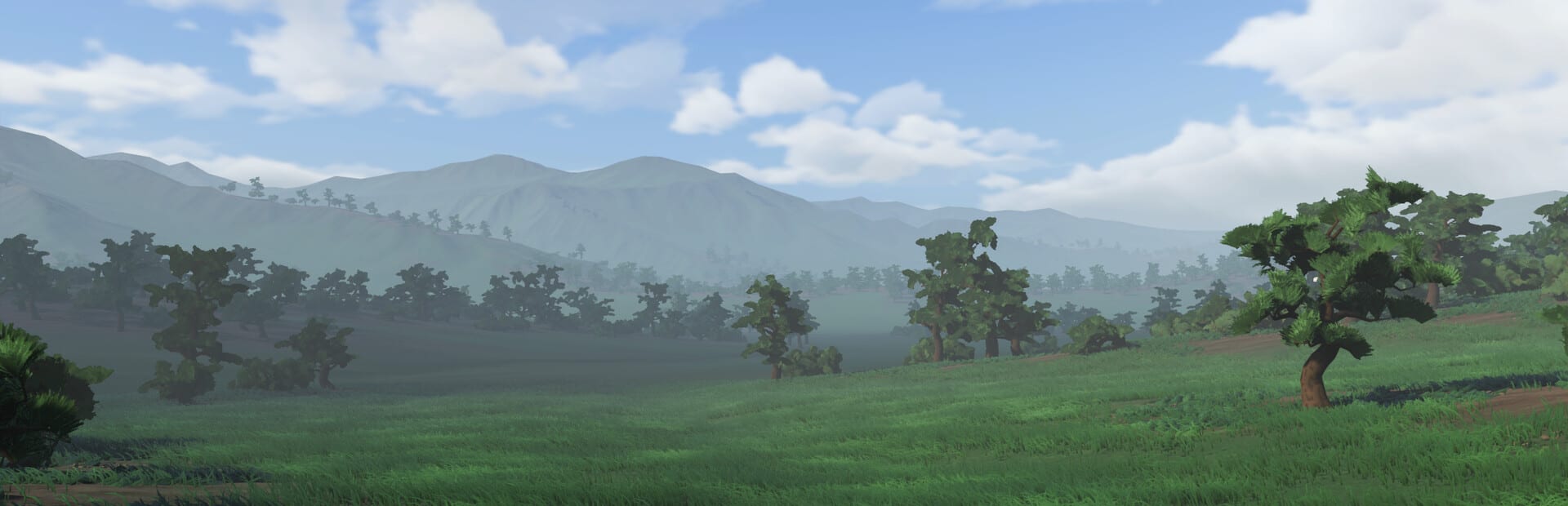
This hub is the PC desk for Warlord: Awaji, not a script injector and not a Roblox codes locker. Darkmatter Games launched a paid single-player Steam campaign on 9 September 2026. There is nothing here to paste into an executor. If that is what you searched for, you have the wrong Warlord. If you want to know whether a GTX 2060 will survive a shrine fight, stay.
Two child pages sit here:
- System requirements — Steam minimum and recommended tables, 6 GB storage, Steam Deck unsupported.
- Troubleshooting — no autosave, stuck homestead tutorial, first army attack, FPS, and what is not a bug.
This index is the settings and performance map that points into the guides you actually play after the machine boots.
Start with the spec sheet
Minimum is Windows 10 64-bit, a 9th-generation Intel i5, 16 GB of RAM, a GeForce GTX 2060, and 6 GB of disk. Recommended is Windows 11 64-bit, an 11th-generation Intel i7, 32 GB of RAM, a GeForce RTX 3070, and the same 6 GB of disk. Steam Deck is unsupported. Those numbers are not a vibe; they are the store lines explained on system requirements.
Warlord: Awaji is cheap on disk and expensive in a crowd. The campaign is a first-person army with named AI, horses, bows, and physics that already needed a Demo 2.0 pass for large battles. A laptop that opens the menu on battery is not the same machine that holds a shrine when two retinues close. Budget for the fight, not the title screen.
The store price sits around $24.99 with a short introductory -10% cut, and a soundtrack DLC exists. Neither one changes the GPU you need. Confirm the live price on the Steam store.
Settings that actually matter
Bind controls before you touch foliage sliders. Radar and friend-or-foe highlights are readability tools, not cosmetics. Period armor does not come with jerseys. Next Fest added optional blue/red silhouettes for that reason; turn them on until you can read sashimono at a glance. If you cannot tell your retainer from a monk in a ditch, no resolution bump will save the run.
Then play a real melee, not a screenshot. Combat is where CPU and GPU meet: you are in the pile, AI is swinging, and stamina mistakes look like frame drops if you panic-slash. If the hitch only appears when both groups collide, you are seeing the large-battle physics load, not a broken tachi animation.
Camp building is the other half of the bill. Tents, fences, night watch, and packing a camp all keep AI busy while you look the other way. A pretty oyoroi on a 2060 still stutters if the camp is a village you refuse to move. Pack it. Move it. Do not ask the minimum spec to simulate a town you do not need.
Performance advice without a second spec page
- Update to launch-window patch vR101 first. A leaking pause clock and a tutorial soft lock are not frame-rate bugs.
- Cap the crowd you create. Army and formations lets you field melee, bows, and cavalry together; that mix is the recommended-spec conversation.
- Do not grade a GPU in the homestead tutorial. Grade it on a shrine push from conquest or a later walkthrough fight.
- Horses and five arrow types are live systems, not demo toys. Read bow and cavalry before you blame hitching on the bow model.
- Close overlay junk. This is a 64-bit Windows campaign with Steam Cloud, not a browser tab.
If you are still on the fence about buying, the review page is honest about who the sequel to Warlord: Britannia is for. Spec anxiety is not a genre complaint. A machine under the minimum will feel like the island is fighting you. A machine on recommended should let you think about getting started instead of the task manager.
What this hub will never be
No executors. No redeem codes. No fake FPS trainer. Official files stay on Steam, the Darkmatter Discord, and darkmattergames.com. When a later patch changes a store spec, we will edit system requirements and leave this index as the signpost.
Use this hub when the question is will it run, which setting to flip, or why a shrine fight hitching is a battle-and-AI problem. Use the guides hub when the question is how to fight, recruit, or take the island. Use the tier list hub when the question is which spear to pick up. Three different desks. This one only owns the machine.
If you only open one link after this page, make it system requirements. Then go fight something that actually stresses the box.
Frequently Asked Questions
Quick answers for new warlords landing on Awaji.
Is this a Warlord: Awaji scripts page?
No. This is a PC Steam campaign. There are no scripts, executors, or redeem codes on this wiki. Use system requirements and the Steam store.
What spec should I treat as the real test?
A shrine or road fight with melee plus bows or horses, not the homestead tutorial. See combat and camp building for why both CPU and GPU stay busy.
Does the soundtrack DLC need extra hardware?
No. It is audio on Steam. The 6 GB campaign spec does not change because you bought the score.
Can I play Warlord: Awaji on Steam Deck?
Steam lists Steam Deck as unsupported. Do not plan a handheld campaign around that badge.